AutocutSound
A sound and its variations become an asset: door.Play(audioSource) plays one at random, never the same twice in a row.
 Otocut
EN
Open Otocut
Otocut
EN
Open Otocut
Unity
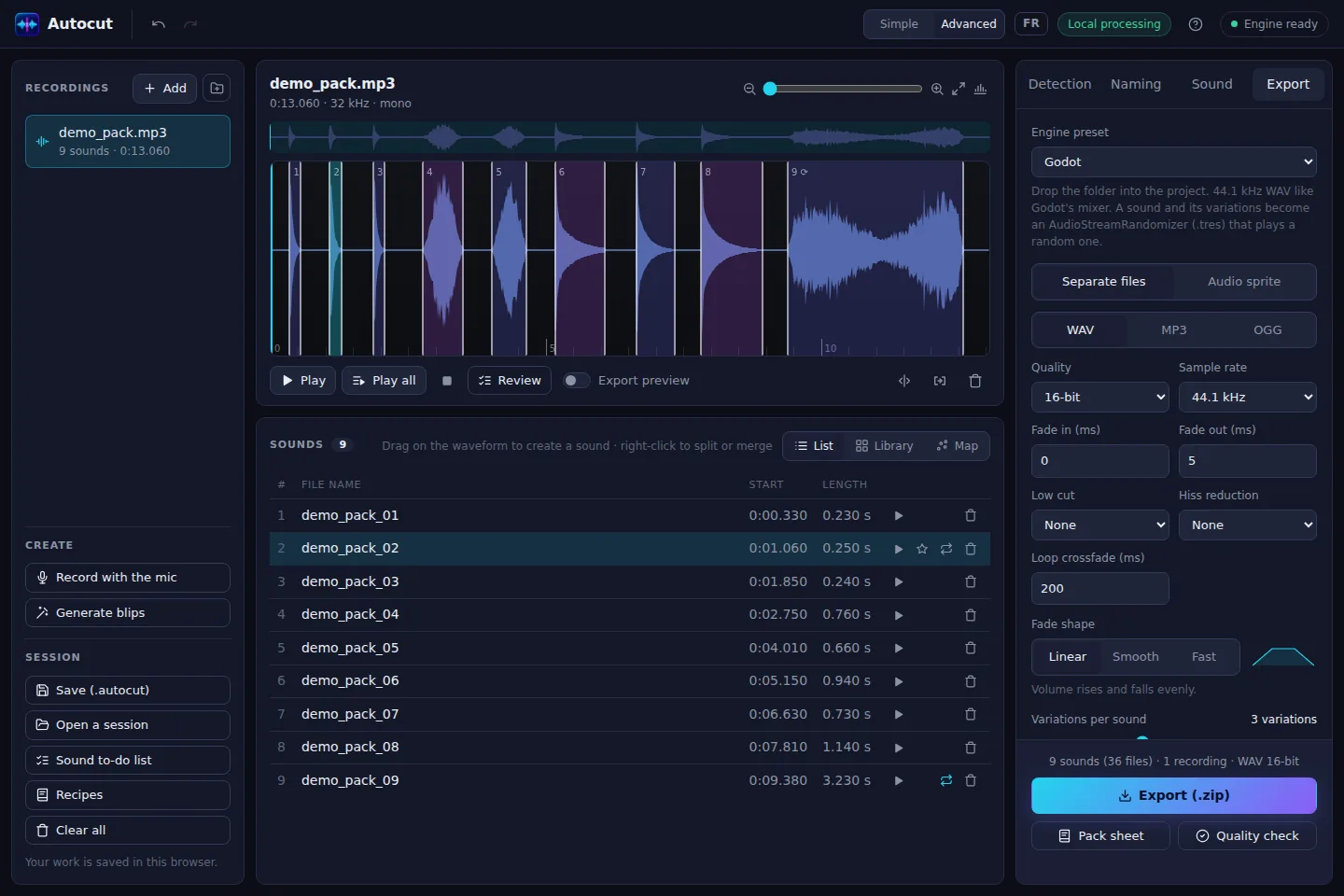
Record your sounds in a row: Otocut separates them, names them and exports a folder to drop into Assets, with the .meta files and an AutocutSound asset per sound that plays a random variation.
Free, no sign-up, nothing is uploaded.
A sound and its variations become an asset: door.Play(audioSource) plays one at random, never the same twice in a row.
Import settings are ready: drop the folder into Assets, that's it.
Every sound in slightly higher or lower, louder or quieter versions, to avoid repetition.
Ambiences that loop seamlessly, with an adjustable crossfade.
LUFS normalization and trimmed silences: every sound at the same level.
If your project uses middleware, the FMOD and Wwise presets organize the variations for you.
Open Otocut and drop your video or recording: Otocut instantly finds every part separated by silence.
Click a part to hear it, drag its edges, split or delete what's wrong.
Get a .zip with everything you need, ready to publish or drop into your software.
16-bit WAV at the original sample rate, which Unity compresses its own way on import.
AutocutSound.cs is included in the .zip; keep a single copy if you import several packs.
There are also Godot, Unreal, RPG Maker, Web, FMOD and Wwise presets.
Other uses