Titles and captions
A title in one click, word-by-word burned-in captions generated on your computer.
 Otocut
EN
Open the Studio
Otocut
EN
Open the Studio
Otocut Studio
A small video editor in your browser, built to be quick: add a title, drop in music, pick the format, export. No account, no watermark, and your files stay on your computer.
Free, no sign-up, nothing is uploaded.
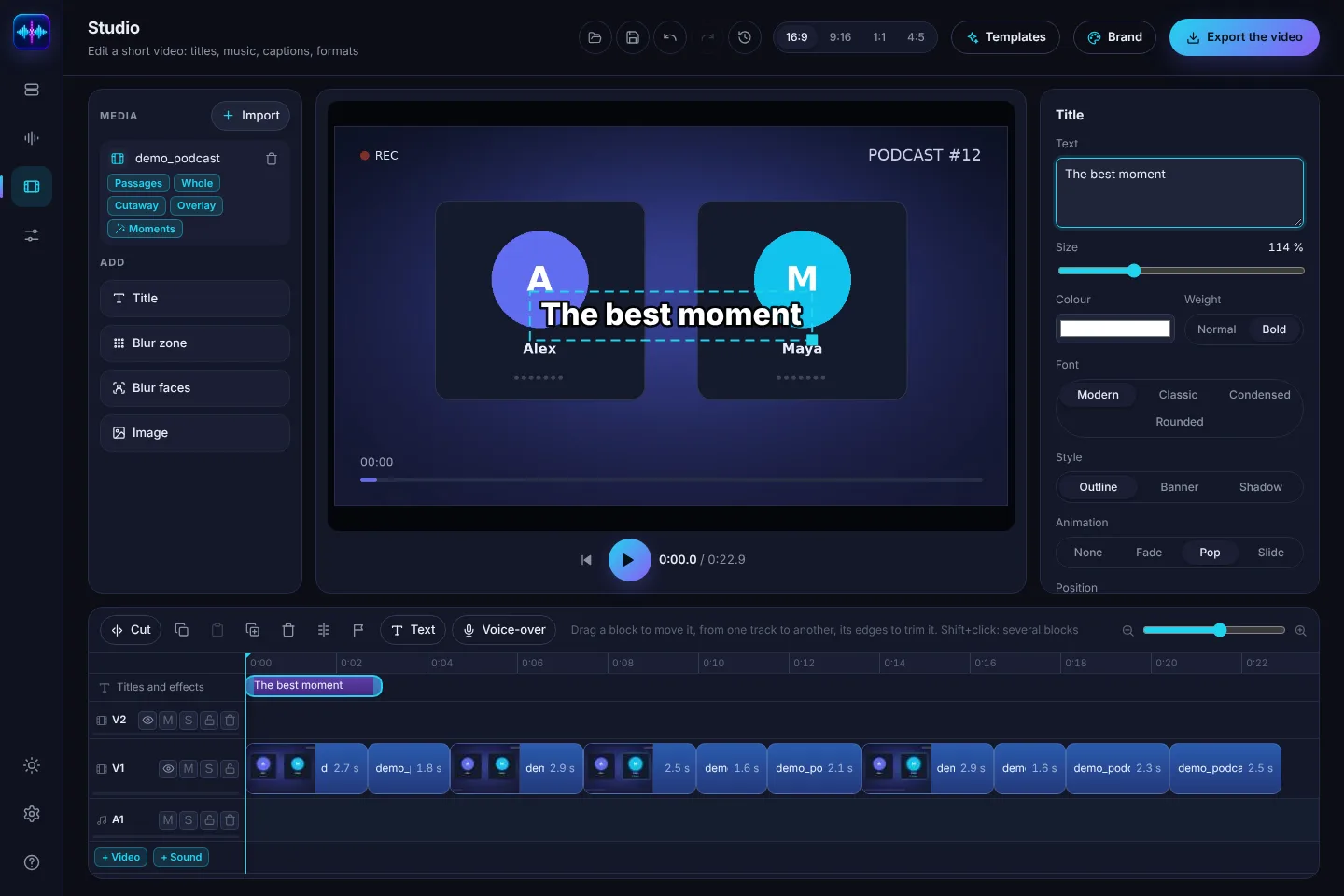
A title in one click, word-by-word burned-in captions generated on your computer.
The music dips under the voice and comes back in the pauses, no curve to draw.
16:9 for YouTube, 9:16 for Shorts, Reels and TikTok, 1:1 and 4:5 for Instagram.
The Studio finds the liveliest parts of a long video to turn into a Short.
A blur that follows a face, to protect someone who didn't agree to be filmed.
Your logo, colours and font on every video in one click.
Drop your video into Otocut: silences and “um”s go, you check.
Titles, music, format, captions: all set on the timeline.
An MP4 ready to publish, with no watermark.
Yes, with every export, no watermark and no length limit.
No. Editing and export happen in your browser; nothing is stored on a server.
No, you can open the Studio directly. But cutting the silences first saves a lot of time.
Other uses