AudioStreamRandomizer
A sound and its variations become a .tres file: put it in an AudioStreamPlayer, each play() picks one at random.
 Otocut
EN
Open Otocut
Otocut
EN
Open Otocut
Godot
Record your footsteps, hits or pickups in a row: Otocut separates them, names them and exports a folder to drop into your project, with AudioStreamRandomizers that play a random variation.
Free, no sign-up, nothing is uploaded.
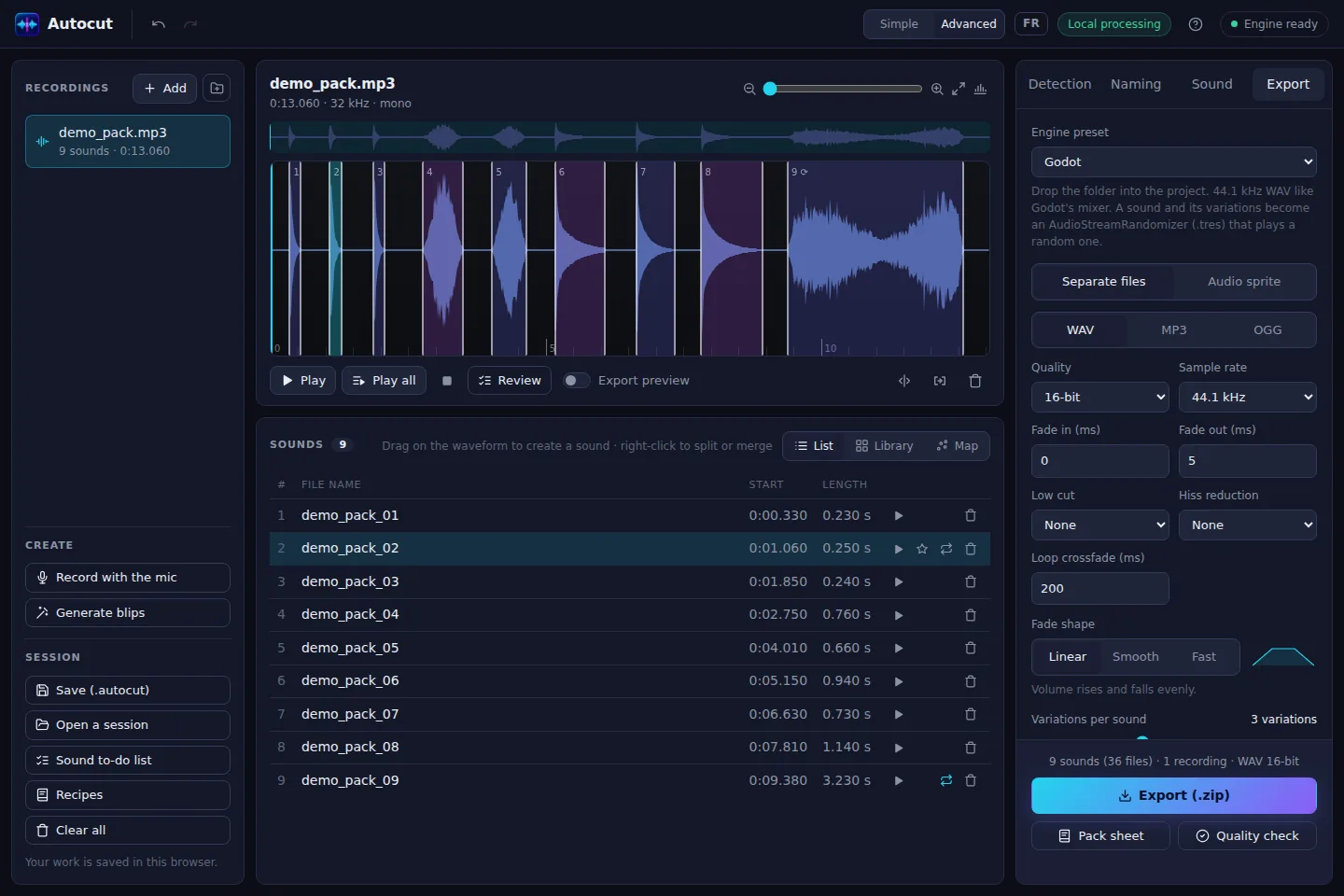
A sound and its variations become a .tres file: put it in an AudioStreamPlayer, each play() picks one at random.
16-bit WAV at 44.1 kHz, like Godot's mixer.
Every sound in slightly higher or lower, louder or quieter versions, to avoid repetition.
Ambiences that loop seamlessly, with an adjustable crossfade.
A numbered title, your pasted list of names, or names suggested by the AI (footsteps, door, glass…).
An 8-bit sound generator (jump, pickup, laser…) for prototypes.
Open Otocut and drop your video or recording: Otocut instantly finds every part separated by silence.
Click a part to hear it, drag its edges, split or delete what's wrong.
Get a .zip with everything you need, ready to publish or drop into your software.
Godot 4: the .tres resources use AudioStreamRandomizer.
Mark it as a loop in Otocut, then enable Loop Mode in the WAV import options in Godot.
There are also Unity, Unreal, RPG Maker, Web, FMOD and Wwise presets.
Other uses